
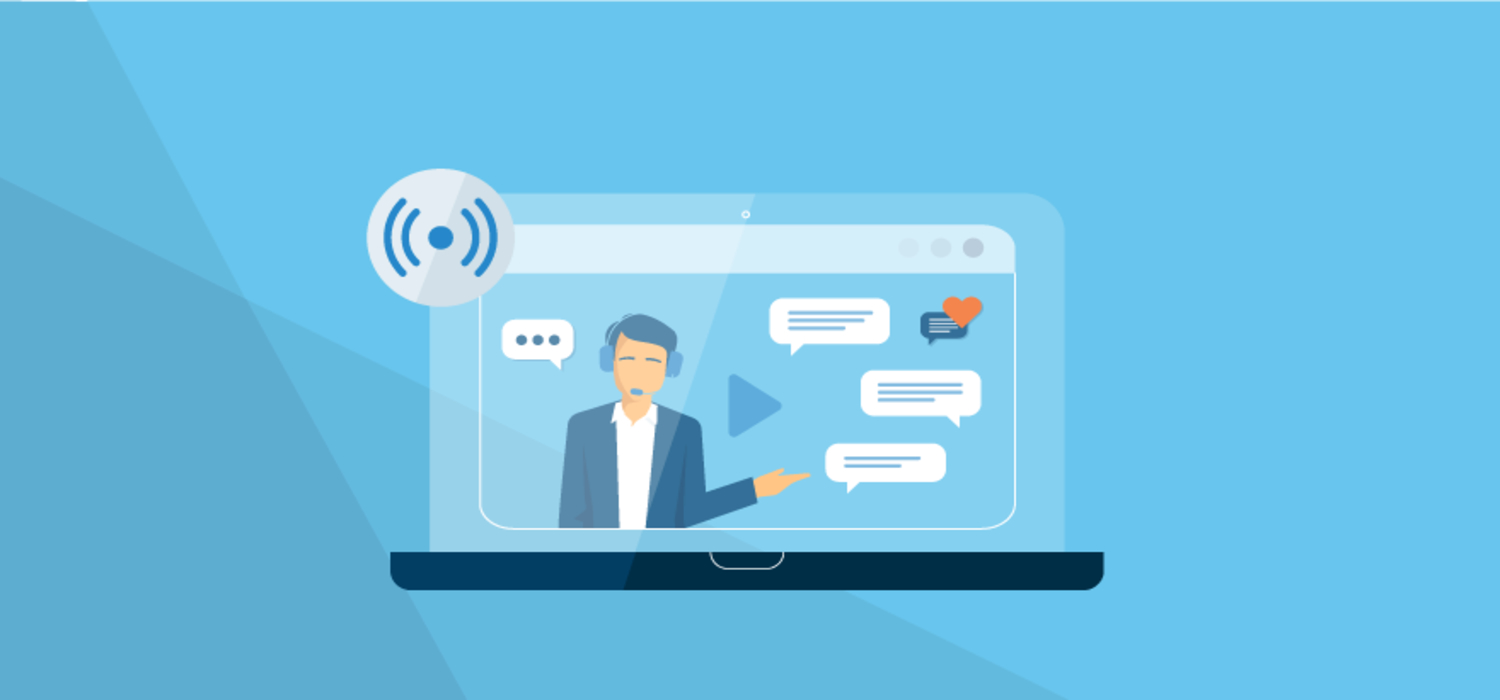
When the events industry went virtual earlier this year, many creators rushed to convert in-person gatherings, parties, events, and more into live online events. So you need to familiarize yourself with all the new types of tools and costs to consider:
Webcams, Microphones, Backgrounds, and Bandwidth.
The truth is, taking an event and a place online and streaming video is easier than it seems. "Really, you don't need to spend a lot of money to start" a live stream for an event; you just need a phone or computer and an internet connection."
Use What You Already Have
It doesn't take a huge budget to create a powerful live stream. A modern laptop with a built-in camera and microphone is a great place to start. So is a smartphone. If you have a webcam, GoPro, or microphone, take it out and connect it. Gershuni says, "Start with that, and build from there."
Test, Then Test Again (And Again)
What you should do: run a test. A lot, in fact, because there are some things to figure out before going live.
First, consider your basic setup: how the camera and microphone will be best arranged to capture the live stream. Set up the camera or phone to record both audio and video. A good phone stand that fits your device and floor space, is sturdy, and should be compatible with live streaming platforms like Vimeo, Facebook Live, Instagram Live, Twitter, Twitch, and YouTube Live.
How to Choose the Right Video Hosting Platform for Live Events
Test your internet speed. Specifically, you should worry about upload speed, which represents your ability to share video on the web. Knowing your upload speed is simple. There are a number of free, accurate tests you can Google, like speedtest.net. You'll want to test your upload speed at different times throughout the day, as it will vary based on your network, internet traffic near you, the position of your router if using Wi-Fi, and other factors.
Look for Quality in Equipment
Some features in the equipment used for live streaming can make a big difference. You can get a 1080p webcam and a microphone to give you more control over sound. And some webcams come with good microphones. For conversations that might happen over Zoom, using a simple USB microphone can make a big difference.
Now that you have information about live streaming, let's review the basics so you're fully equipped to organize your first virtual live event:
Assess the equipment you already have.
Test the camera, microphone, lighting, and background.
Check your internet speed.
Run a full test on the platform(s) you choose.
Go ahead and have fun!